Capture the clue
Describe the noise, add a photo, or enter a diagnostic code. Confirm your vehicle so the case starts with the right context.
 Sign inTry AI diagnosis
Car trouble doesn’t have to leave you guessing. Tell WrenchMind what you hear, see, or scan—and work through clear checks before choosing a repair.
Does the sound happen only when you press the brake pedal?
Start with a symptom. Follow the evidence. Make an informed next move.
Describe the noise, add a photo, or enter a diagnostic code. Confirm your vehicle so the case starts with the right context.
Answer focused questions and record the result of a physical check. A code alone never selects a replacement part.
Review the findings, continue with an available guide, or take a clear summary to a mechanic.
Knocking, squealing, ticking? Put the sound and when it happens into your case. Audio is a clue to investigate, not proof of a failed part.
Add photos of warning lights or visible damage to keep the details with your vehicle’s case.
Recognize when a check is beyond your tools or experience and it’s time to ask a professional.
Locate the part, perform the action, then verify the result. Reviewed guidance comes before a repair recommendation.
Explore a sample diagnostic path. See how an observation becomes a useful next check, rather than a shopping list of parts.
Illustrative sample only. Your vehicle and test results determine the real path.
Brake noise can have several causes. Start with what happens when you stop, then inspect before choosing a repair.
Select an answer to see the next action.
Keep the vehicle, symptoms, checks, and observations together. Bring a useful case summary to your appointment and explain what you’ve actually noticed.
Open your vehicle workspaceFleet and workshop team features are planned. The current workspace is designed for individual vehicle cases.
Your car deserves more than a general answer. WrenchMind’s OEM integration is being built to connect the AI backend to a secure, licensed feed of manufacturer repair information. Vehicle-matched procedures, code definitions, wiring diagrams, and labor guidance behind the instructions you see—so you can understand the check before you pick up a tool.
Coming Soon. OEM data integration and document viewing are in development. Available datasets and coverage depend on licensed access.
Planned access to factory code definitions, associated symptoms, and documented causes to help narrow the diagnostic path.
Planned vehicle-matched source procedures alongside beginner-friendly explanations, with technical limits preserved.
Planned access to licensed electrical schematics and component information to support circuit diagnosis. Interactive viewing remains in development.
Planned access to published labor estimates to help understand repair scope. Actual time and shop pricing can vary.
OEM information supports diagnosis; it does not guarantee a fault is identified or eliminate AI errors. Results still require vehicle-specific physical verification.
Meet the scanner built for the next question: “What do I do now?” Connect your car to WrenchMind and turn confusing scan results into a path you can follow.
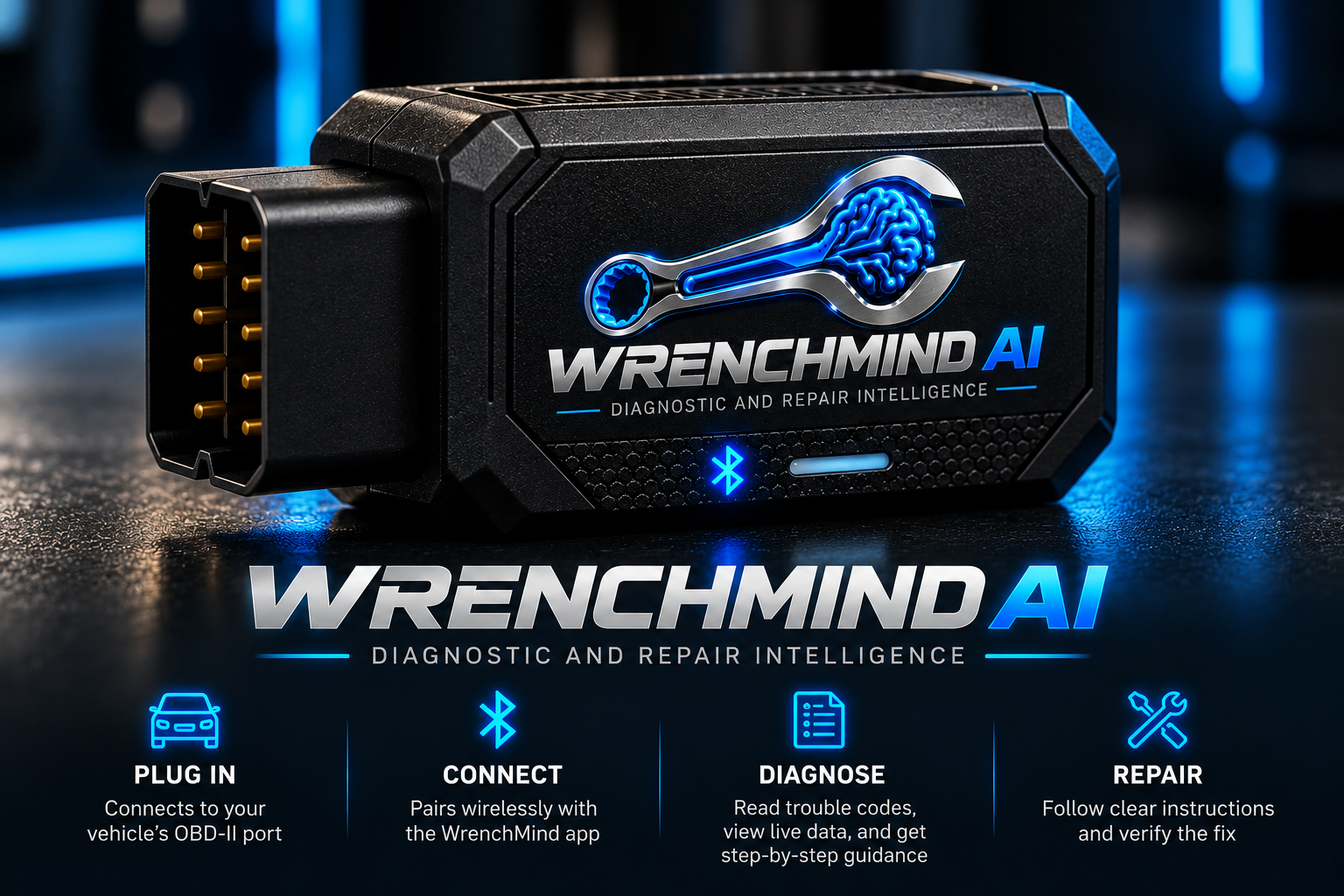
WrenchMind is being built to bring live vehicle data, focused tests, and clear instructions together. Know where to look, what to do, and how to verify the result before reaching for a replacement part.
Connect to your vehicle’s OBD-II port.
Pair wirelessly with the companion app.
Read supported codes and record test results.
Follow guidance and verify the result.
The essentials stay free. Premium adds the testing guidance that helps you understand the evidence before spending money on parts.
Recommended retail · One-time purchase
Work through focused tests, understand your readings, and keep a detailed diagnostic report. Choose monthly when you want flexibility.
Compare what’s includedA full year of Premium guidance for less than paying monthly. For the driver who wants to understand the car, not just clear the light.
Compare what’s includedPlanned launch offering. Hardware, mobile apps, and subscriptions are not yet available to purchase. Vehicle compatibility and supported codes vary. Clearing a code does not fix its cause and may reset emissions readiness. Premium remains optional after the included three months.
A trouble code or symptom starts an investigation. Physical checks help narrow the possibilities.
Complex, hazardous, or unconfirmed work belongs with a qualified technician.
Save what you noticed and what you checked. Give yourself—or your mechanic—a clearer starting point for the next decision.
You don’t need to speak mechanic. Start with what you noticed.
Not at all. Start with your vehicle and describe the noise, warning light, or symptom. WrenchMind breaks available guidance into Locate, Action, and Verify: where to look, what to do, and how to check the result. You can stop and ask for help whenever a task exceeds your experience.
Enter your exact year, make, model, and engine where available. Procedure coverage varies by vehicle and issue. The planned OEM data integration will expand access to vehicle-matched information; it is coming soon. If a procedure is unavailable, the app should tell you rather than invent specifications.
A clear case summary helps you explain the symptoms and checks already performed. Planned OEM labor-time access will add a reference for discussing a job’s scope. Labor estimates are not a guaranteed price: diagnosis, corrosion, related work, and local rates can change the total. Ask the shop to explain the work and its estimate.
WrenchMind organizes the conversation around your vehicle, a focused check, and the result you observed. Its OEM integration is being developed to ground instructions in licensed technical information. AI can still make mistakes. Physical verification and qualified help remain essential for complex or hazardous work.
The planned companion app keeps Bluetooth connection, supported code reading, basic live data, code explanations, emissions readiness, vehicle information, and basic scan history free. Premium is optional and adds guided testing, measurement interpretation, and detailed reports. The dongle launch offer includes three months of Premium.
Not yet. The dongle, companion app, subscriptions, and OEM connection are coming soon. You can explore the free website sample and use the current web workspace today.
Your web workspace is ready to explore. Native iOS and Android apps are still in development.